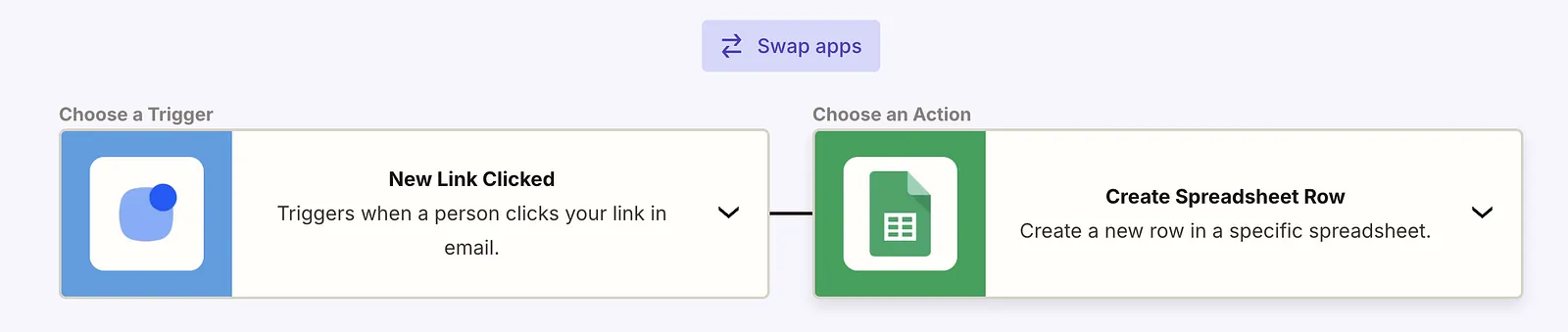
The New Link Clicked trigger lets you send information that a contact has clicked a link in your email. It is a one-way trigger (from Reply to your app).
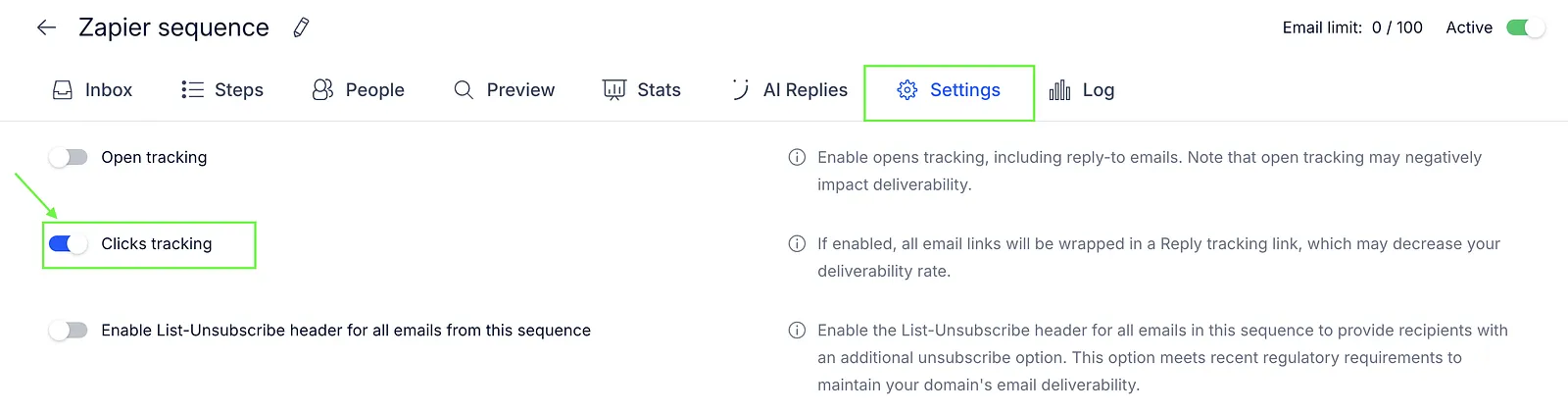
To use this trigger in your Zapier integration, enable click tracking for your sequence:
- Go to sequence settings.
- Turn on the Clicks tracking toggle.
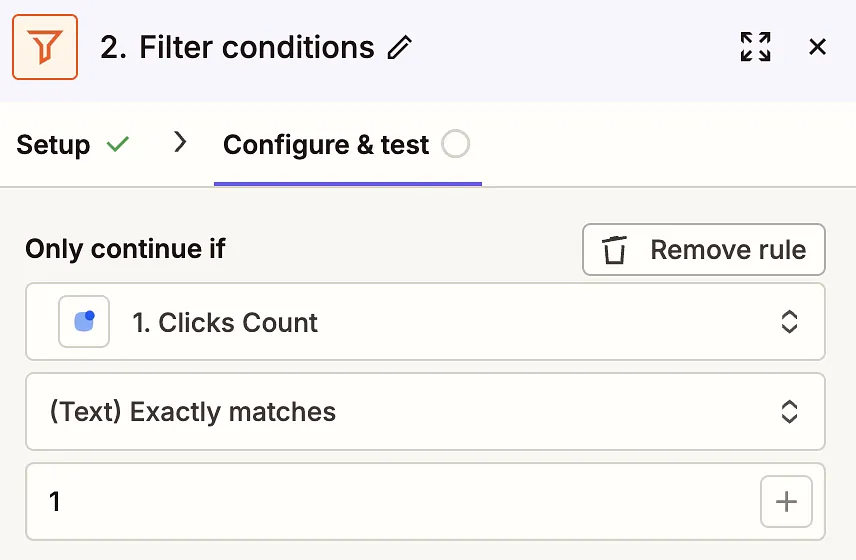
💡 Note: The New Link Clicked trigger fires on every link click. The payload includes a clicks_count field — if you only want to react to the first click, add a Zapier filter step: proceed only when Clicks Count equals 1.