Inbox notifications let you know when you receive a new reply, whether it's an email or a LinkedIn message.
You can manage your notification preferences in Settings → Notifications.
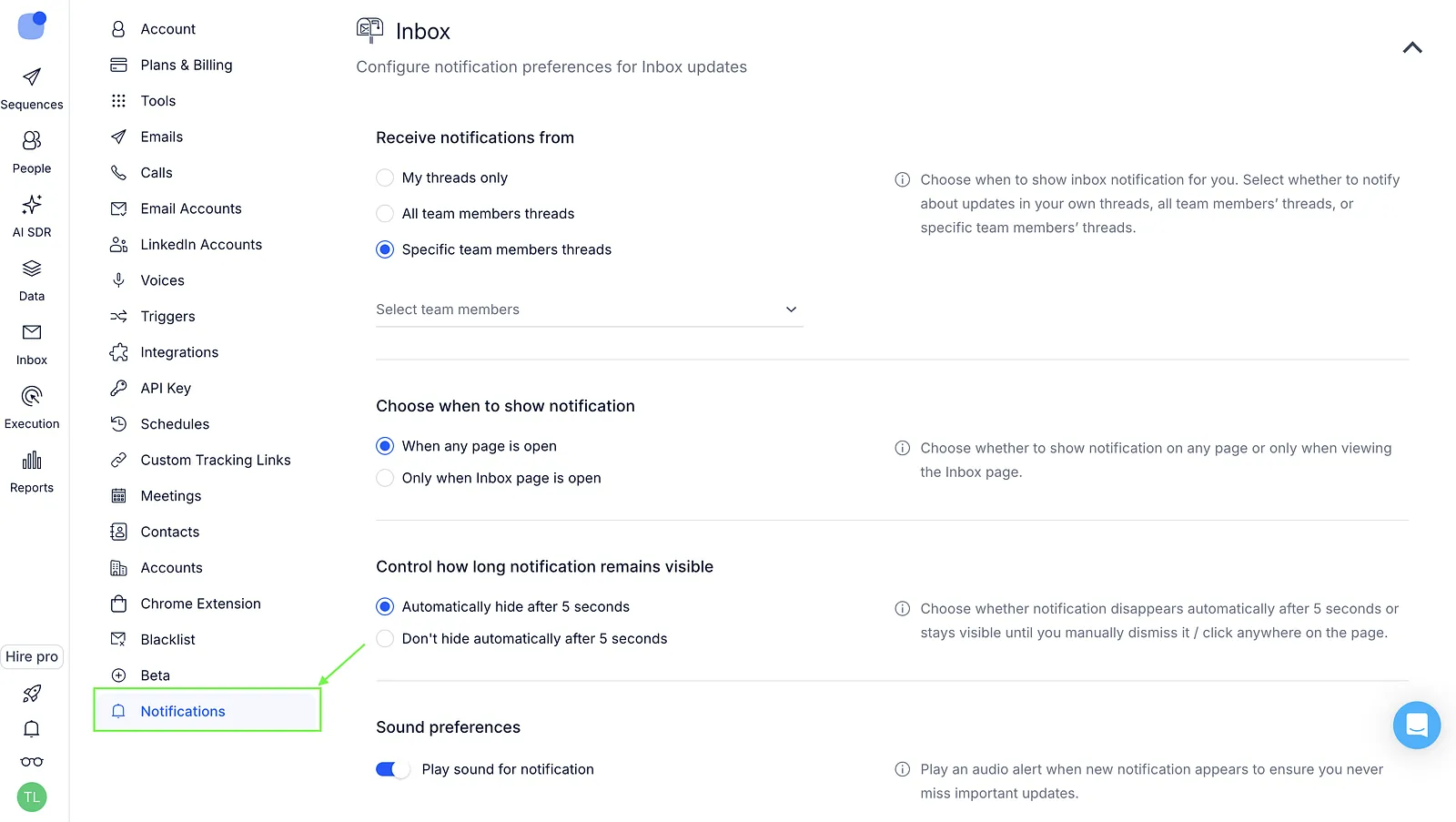
Here's what you can set up 👇
Receive notifications from
Choose whose replies you want to get notified about:
- My threads only
- All team members’ threads
- Specific team members’ threads
Choose when to show notifications
Choose where notifications should appear:
- When any page is open
- Only when Inbox page is open
Control how long notifications remain visible
Choose how long notifications stay visible:
- Automatically hide after 5 seconds
- Don’t hide automatically after 5 seconds
If notifications don't hide automatically, they stay visible until you dismiss them or click anywhere on the page.
Sound preferences
- Play sound for notification
Plays a sound when a new notification appears.
Notification filters
- Relevant replies only
When enabled, notifications are not shown for auto-replies or bounced emails.
Channel-specific notifications
Choose which channels should trigger notifications: