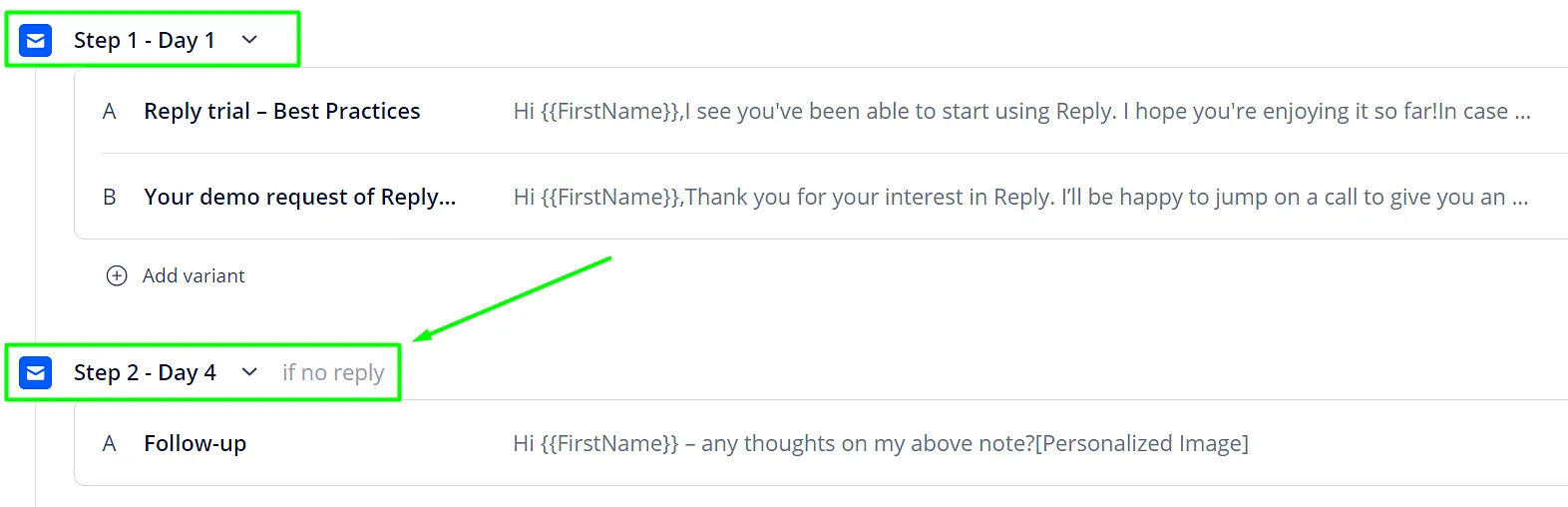
Step delay is a time interval that defines a delay between your steps. You can postpone the sending of Step 1 and put a delay between Step 2 and Step 3. Here is how you can do it in your campaign:
- Go to the Sequences tab and click on the sequence.
- Open the Steps tab.
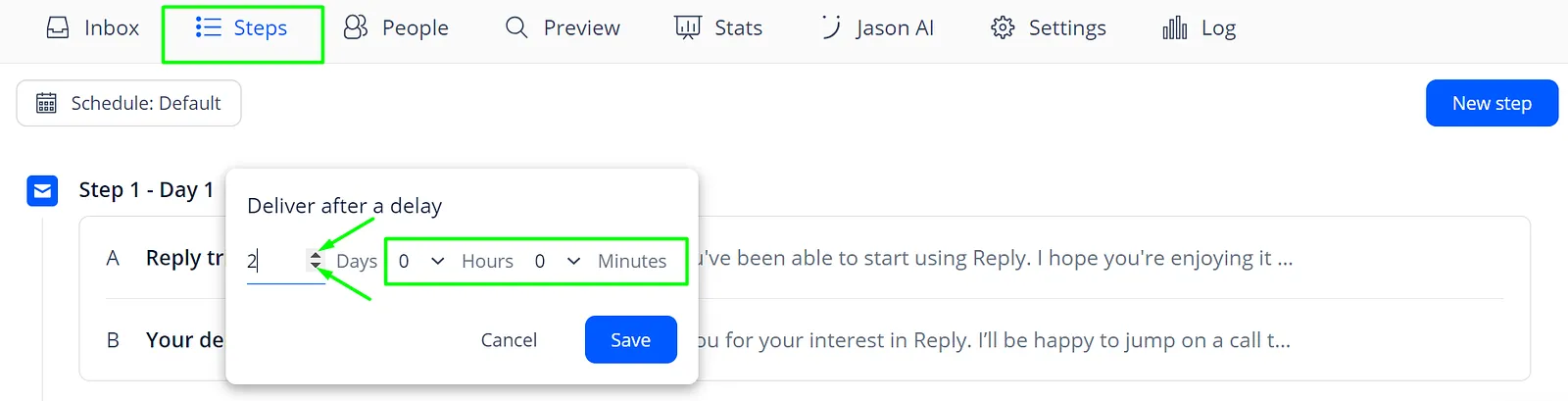
- Click on the arrow near the step.
- Edit the Days/hours/minutes values.
- Save the changes.
💡 Important: the contacts that are already on the step you are editing will ignore the new delay. Weekends are included in the day count. One day of delay = 24 hours.
For example, your Step 1 is scheduled for Monday, you put 3 days of delay between Step 1 and Step 2. 3 days = 72 hours. It means your Step 2 will be sent on Thursday: