When you invite a teammate whose email address already has a Reply account, the invitation may not go through. This often happens when the person started their own free trial before you invited them.
What you see
When you invite users from the Users tab or the Teams tab:
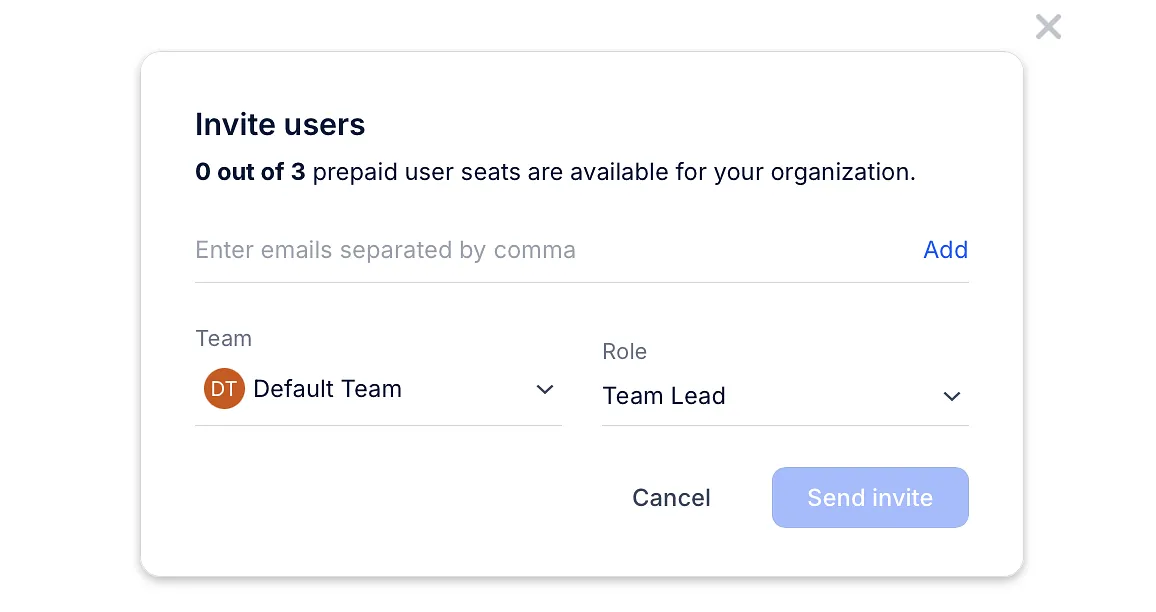
-
User already exists - the email address you invited already has a Reply account; If the invited member does not have an account or they cannot login, please contact our support team
-
No one was invited. - none of the email addresses you entered could be invited;
-
Successful N invite, and failed M invite(s) - some people were invited, and the others already have an account.
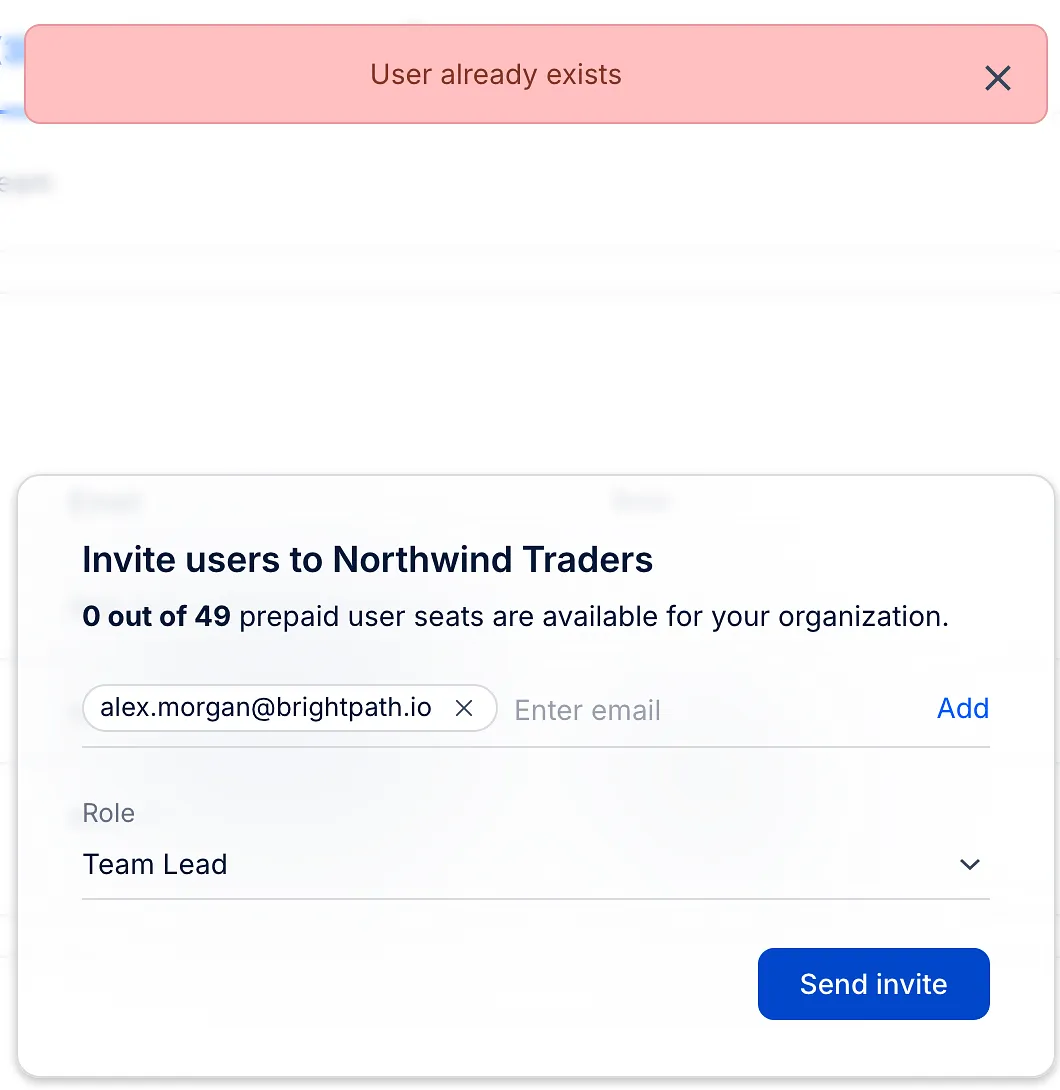
If the person tries to sign up from the invitation with the same email address, they see User with provided email address already exists.
When an existing account can join your team
-
The person is already in your organization - they are added to the team right away, without an invitation email.
-
The person belongs to another organization in Reply - they get an invitation to join yours. After they sign in with the invited email and click Accept & Join, they can switch between the organizations from the team switcher. Their current organization and its data stay unchanged.
In other cases, for example a standalone trial account that isn't part of an organization, the invitation can't be sent.
How to fix it
Choose one of the following:
-
Invite the person with a different email address, for example another work address.
-
If the person created their own organization by mistake, they can delete it (only on a Trial or Freemium plan without an active subscription) and then accept your invitation. See how to delete an organization.
-
If neither works, contact Support and tell us the email address you are trying to invite.
⚠️ Deleting an organization deletes all its teams and data permanently: contacts, sequences, templates and reports.
Read more about organizations: