In this article, you'll learn how to install the Findy Chrome extension in your browser.
How to install Findy
To install the extension:
- Open the Chrome Web Store and search for Findy.
- Click Add to Chrome.

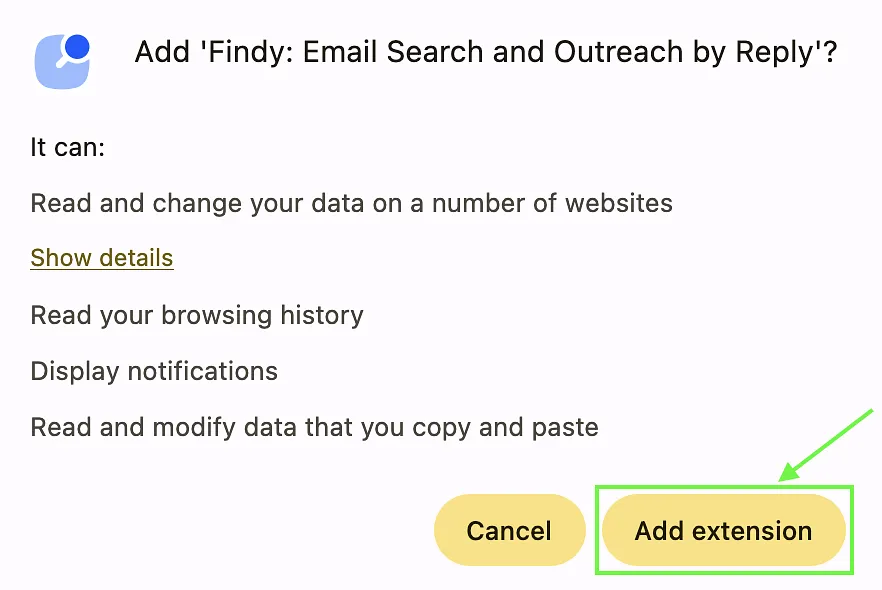
- Review permissions and click Add extension.
- A Gmail compose window will open automatically. Wait around 40 seconds for initialization to complete, and do not close the window until setup is finished.
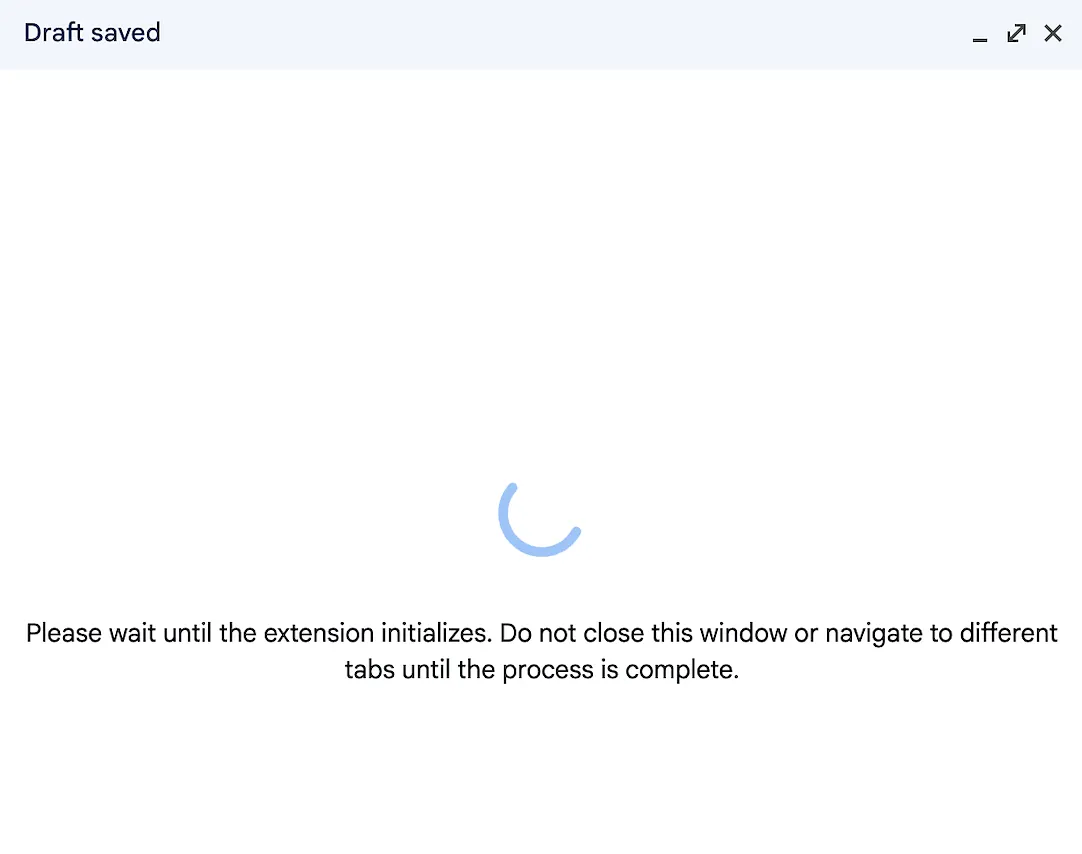
💡You need to sign in with any Gmail account to complete initialization (it does not need to match your Reply account).
FAQs
Can I install Findy on another browser?
Findy is designed for Google Chrome. It may work in other browsers, but full functionality is not guaranteed. For the best experience, use Chrome.
Can I delete the extension folder after installation?
No. Keep the extension folder in its original location. Moving or deleting it may affect how the extension works.
How do I update the extension?
To update Findy, reinstall it:
- Remove the current version from your browser.
- Install it again from the Chrome Web Store.
You will receive a notification when a new version is available.