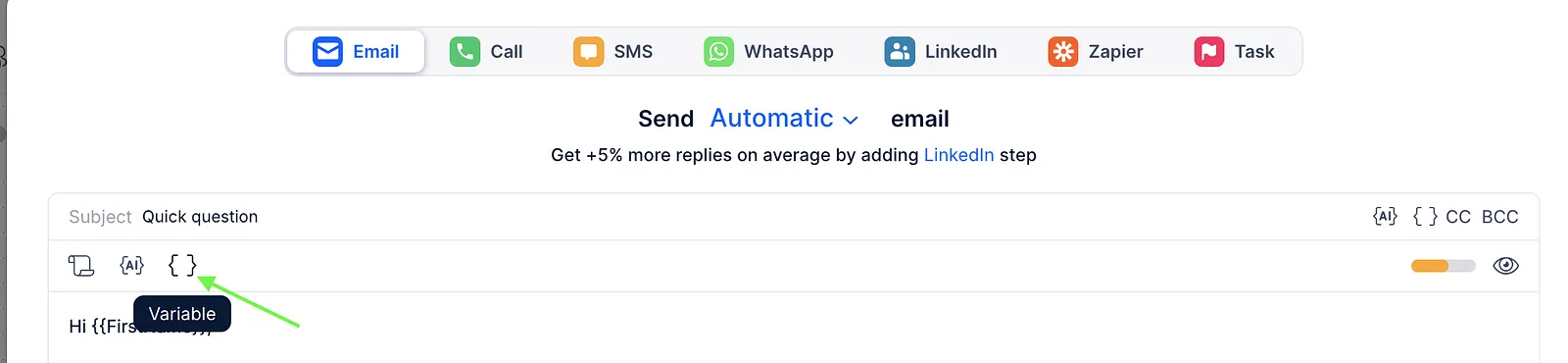
You can use custom variables to create clickable hyperlinks in your email templates. There are two ways to add a hyperlink with a custom variable:
- Add a hyperlink in the HTML Editor:
- Open the needed step template in your sequence. Then select the HTML editor option from the toolbar (if you don't have it, make sure you have Plain Text mode disabled in your sequence settings).
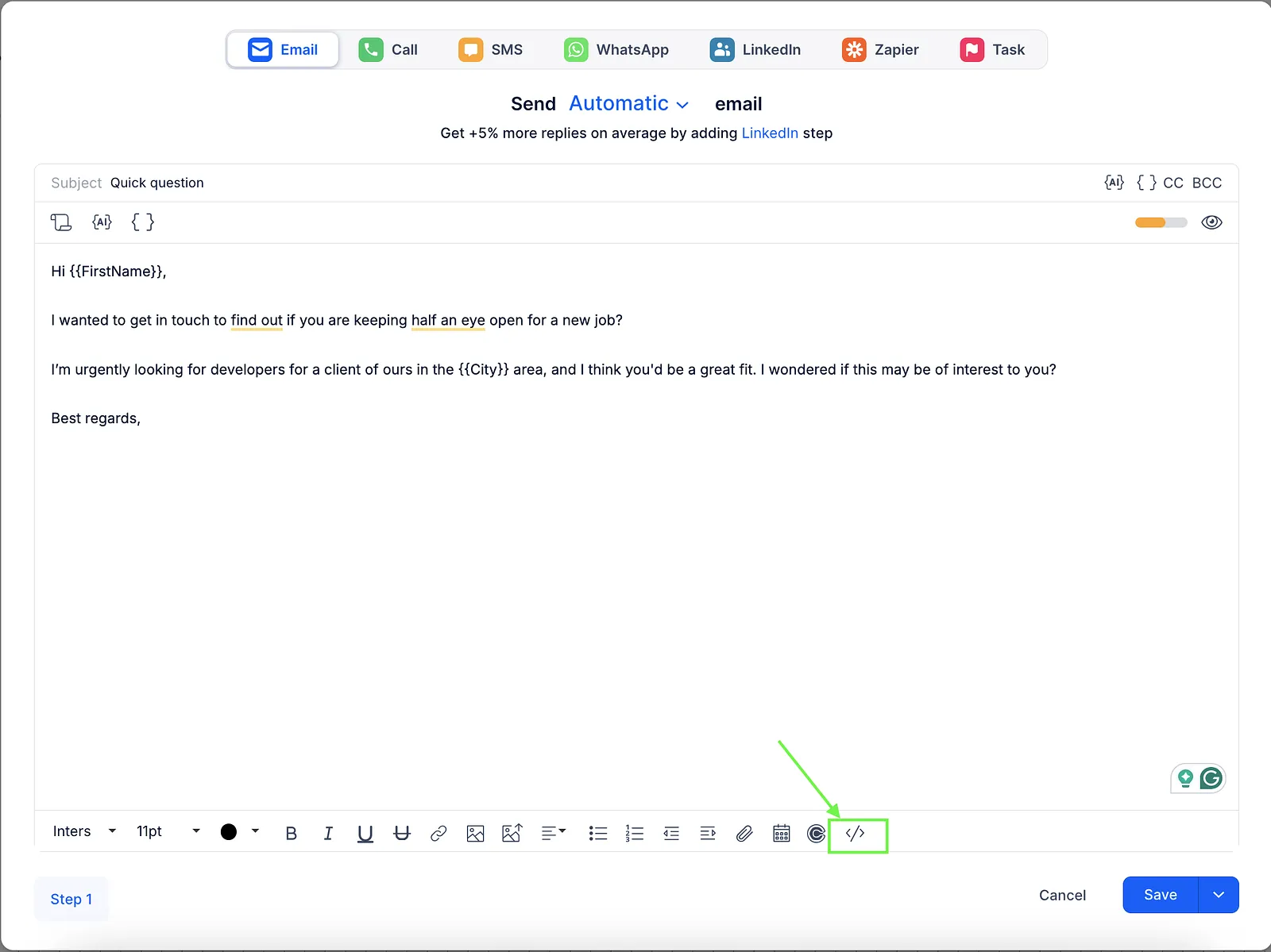
- Insert the following code into the template:
Where:<a href="#{{SomeUrlVariable}}">Link text</a>{{SomeUrlVariable}}- your custom variable containing the URLLink text- the clickable text displayed in the email Example:
<a href="#{{Website}}">Visit our website</a>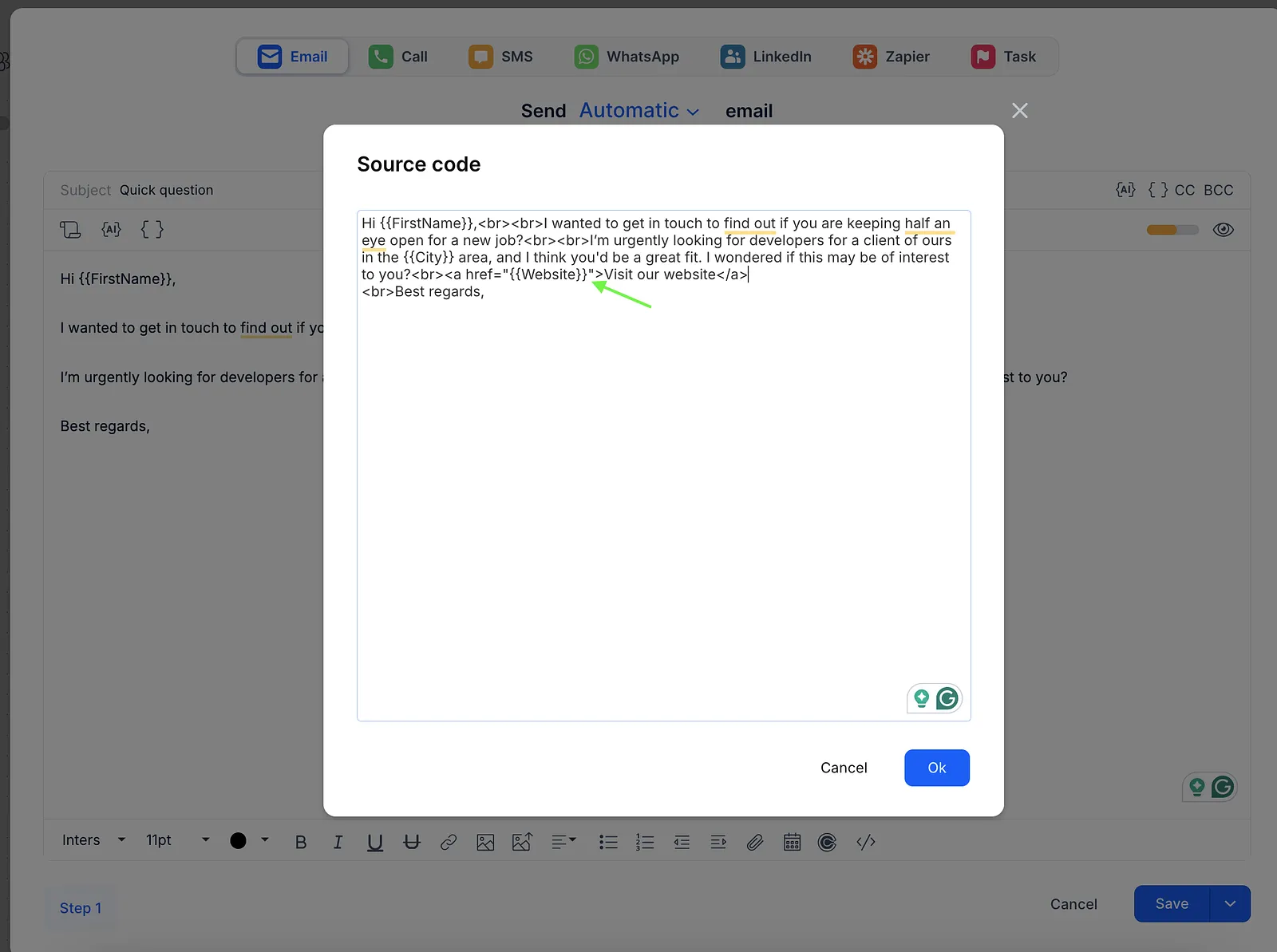
- Open the needed step template in your sequence. Then select the HTML editor option from the toolbar (if you don't have it, make sure you have Plain Text mode disabled in your sequence settings).
- Add a hyperlink directly in the template editor:
- Open the email template.
- Select the text you want to hyperlink.
- Click the hyperlink icon in the toolbar.
- Enter the custom variable name containing the URL.
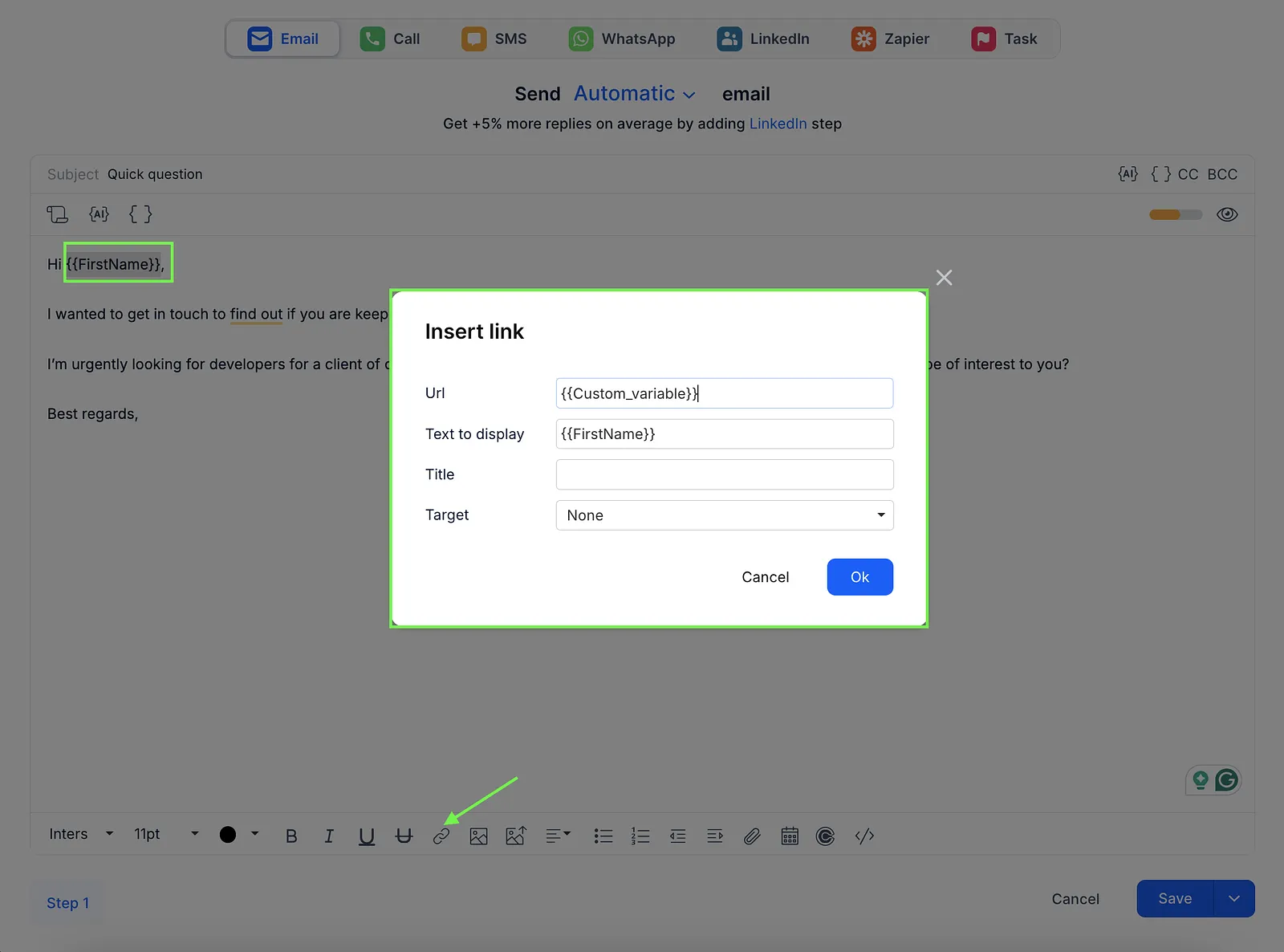
💡 Make sure to copy the variable name exactly as it appears in the Variables section.