You can re-enroll contacts in the same sequence after they've already completed it if you want to send them the same sequence again.
This feature is currently available in beta. To use it, enable beta in your account settings.
Here are the steps to enable this option 👇:
- Go to Settings → Contacts.
- Under Contact handling, find Add contacts to the same sequence.
- Select Yes.
- In Wait before re-enrollment, choose how many days must pass before you can re-enroll a contact.
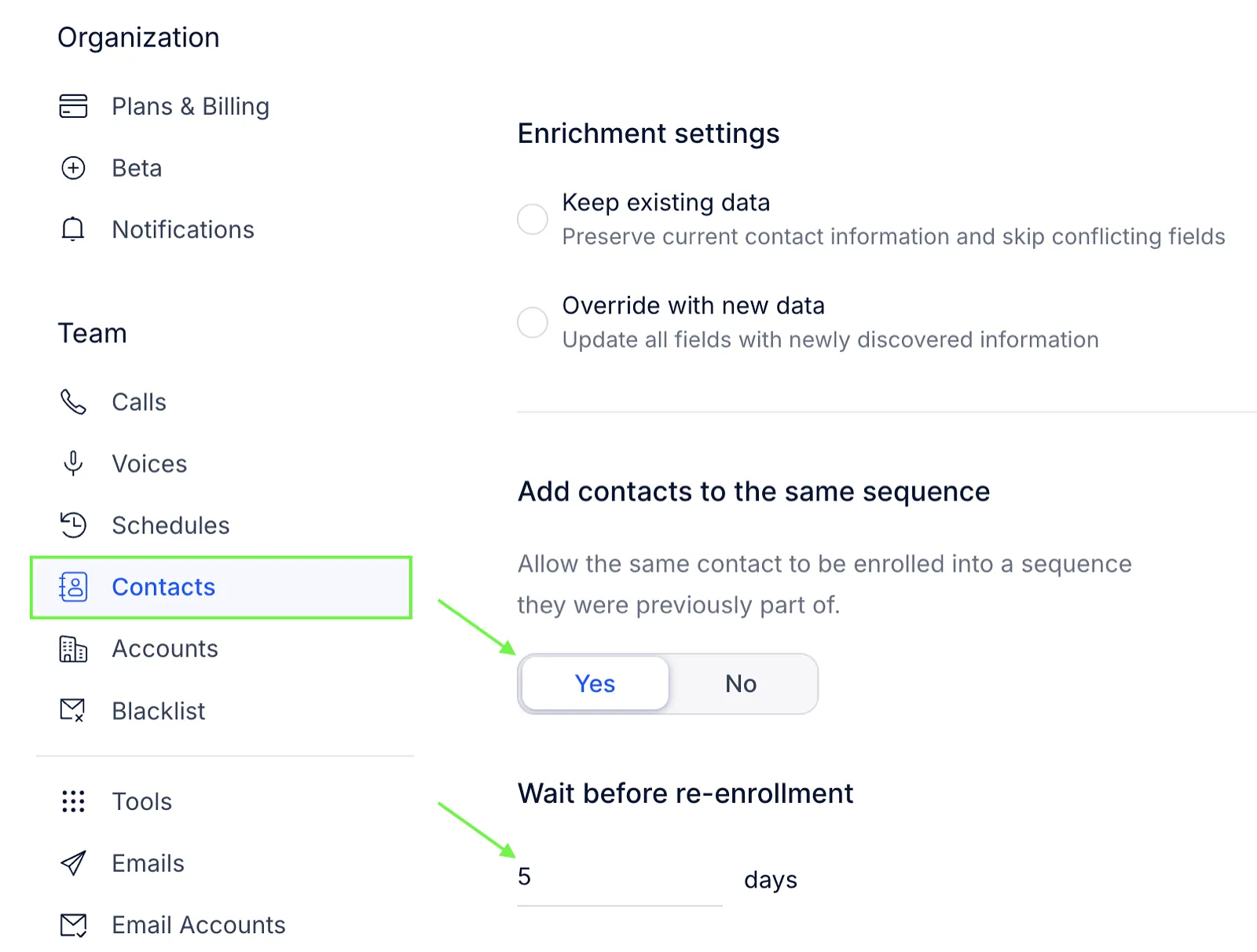
- Save the changes.
Move the contacts back
Once the option is enabled, you can add the contacts back to the same sequence. To move the contacts:
- Remove the contact(-s) from the sequence.
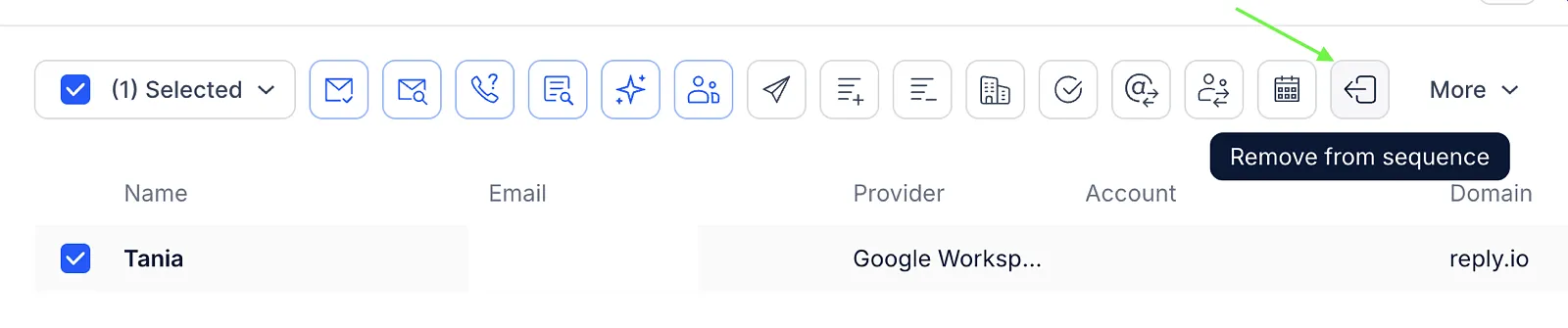
- Select the contact(-s) on the main People page.
- Click Move to sequence.
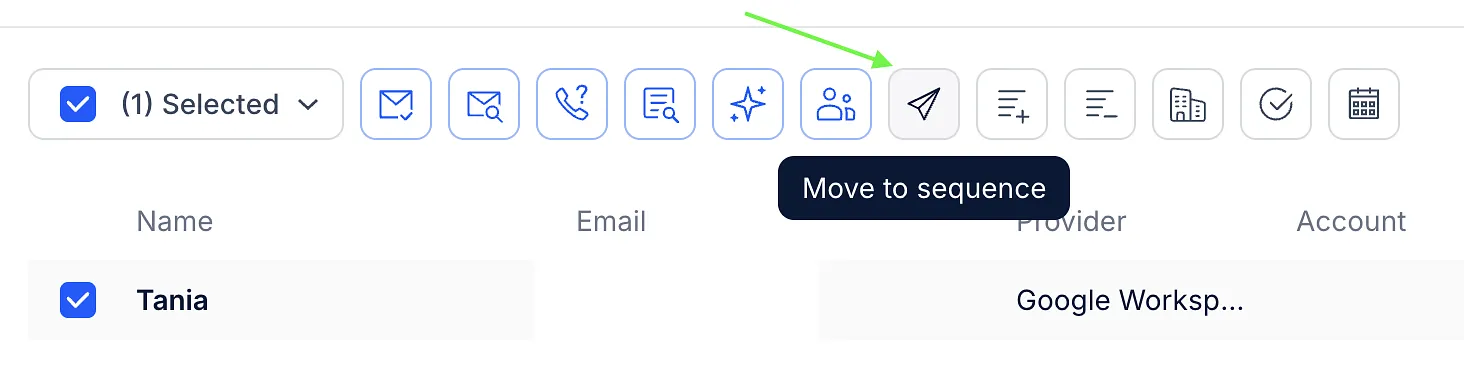
- Select the same sequence.
- Confirm the re-enrollment.
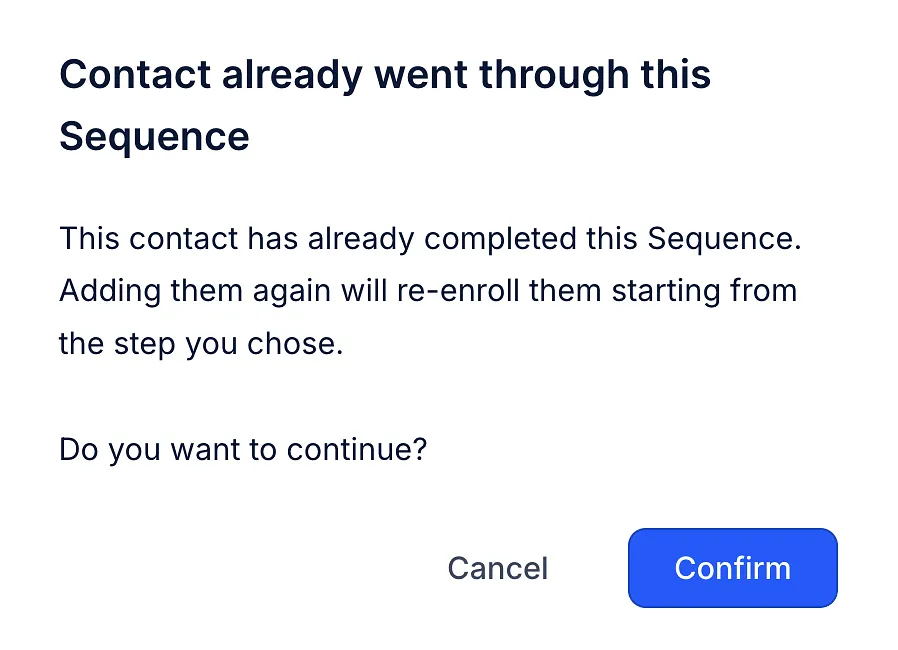
The contact(-s) will start the sequence from the beginning.
