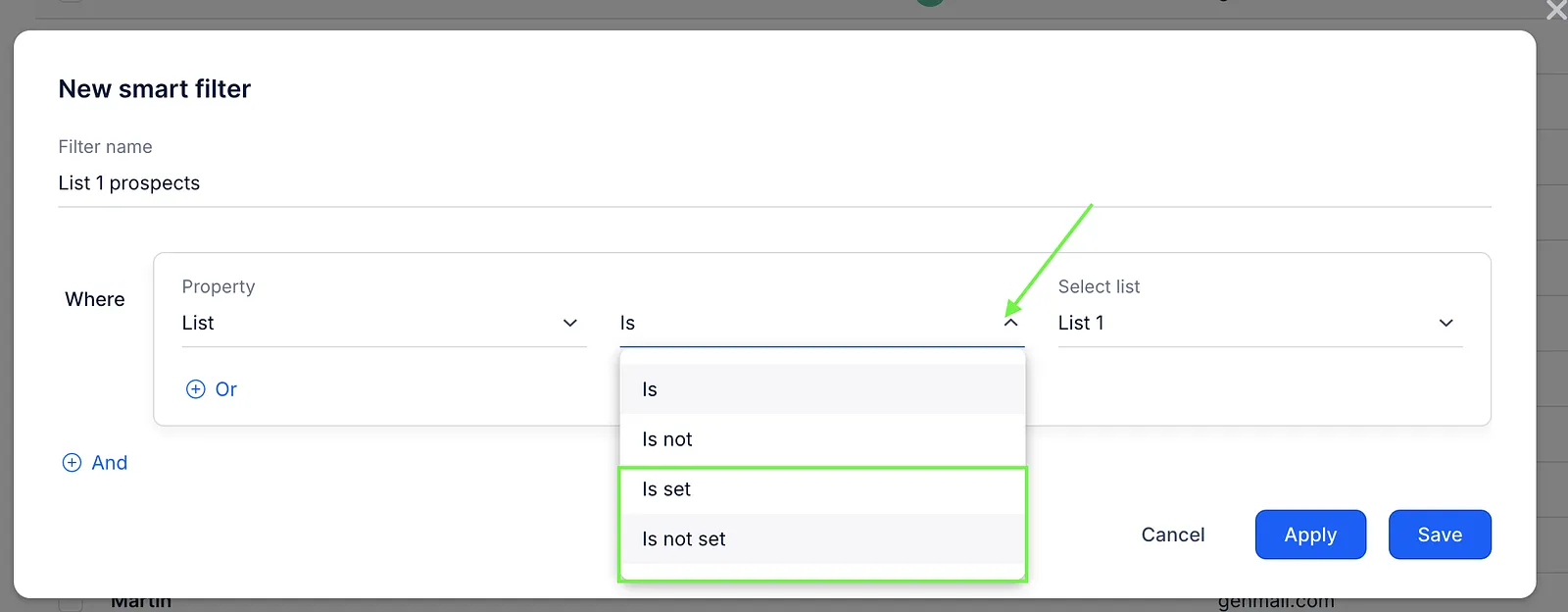
In Reply, you can quickly find people who are/are not on a specific list by creating a smart filter on the People page.
To filter prospects by their lists, follow these steps:
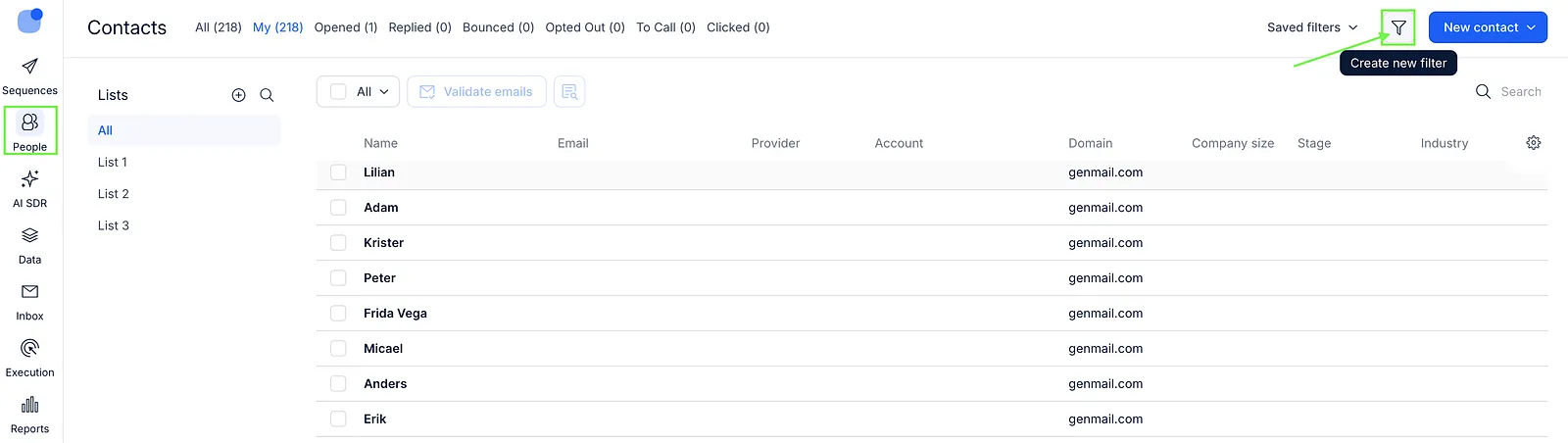
- On the People page, click Create new filter.
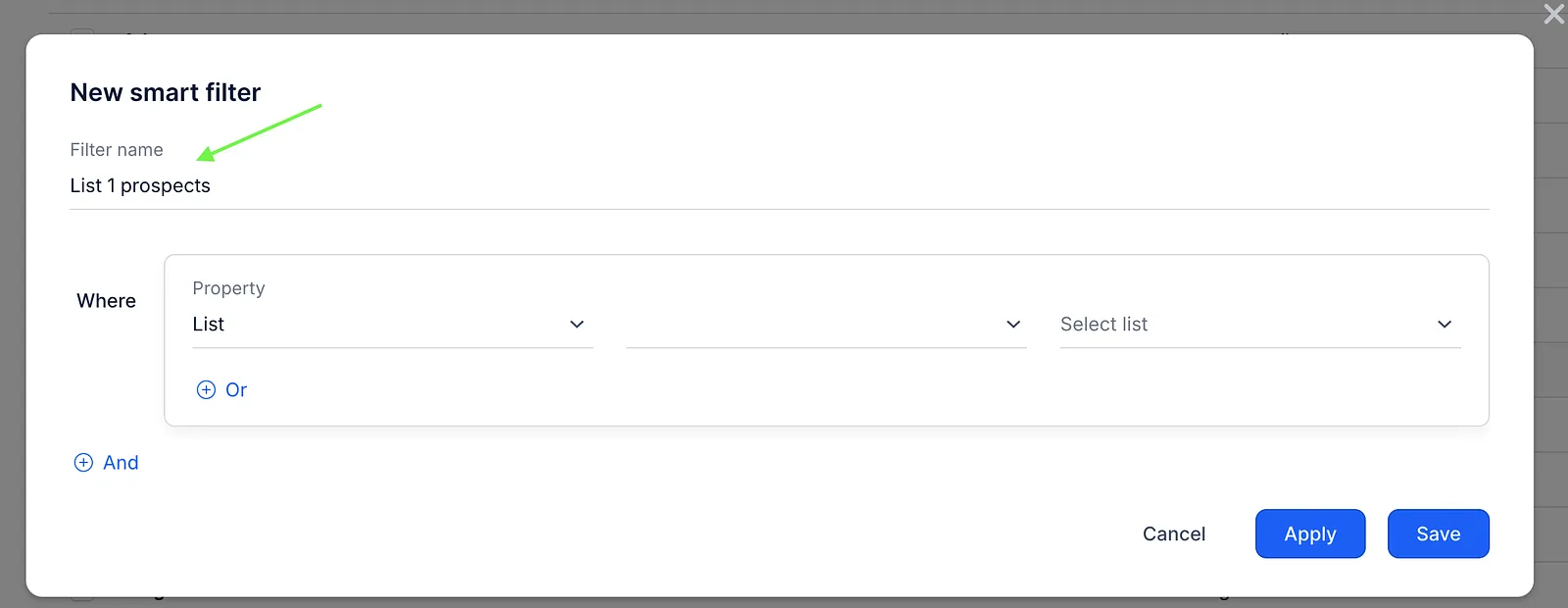
- Enter a Filter name (optional). Giving it a name isn’t required, but if you save the filter, it will be easier to find and reuse later.
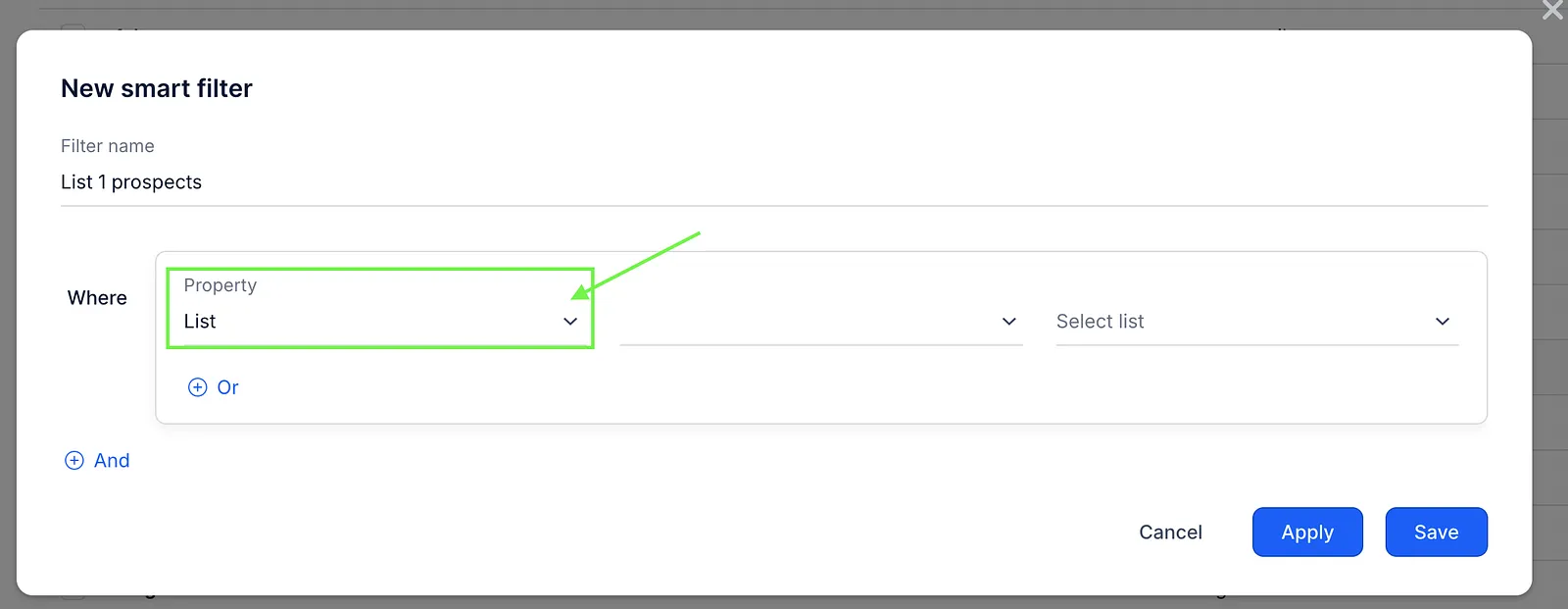
- In the Property field, select List from the drop-down menu.
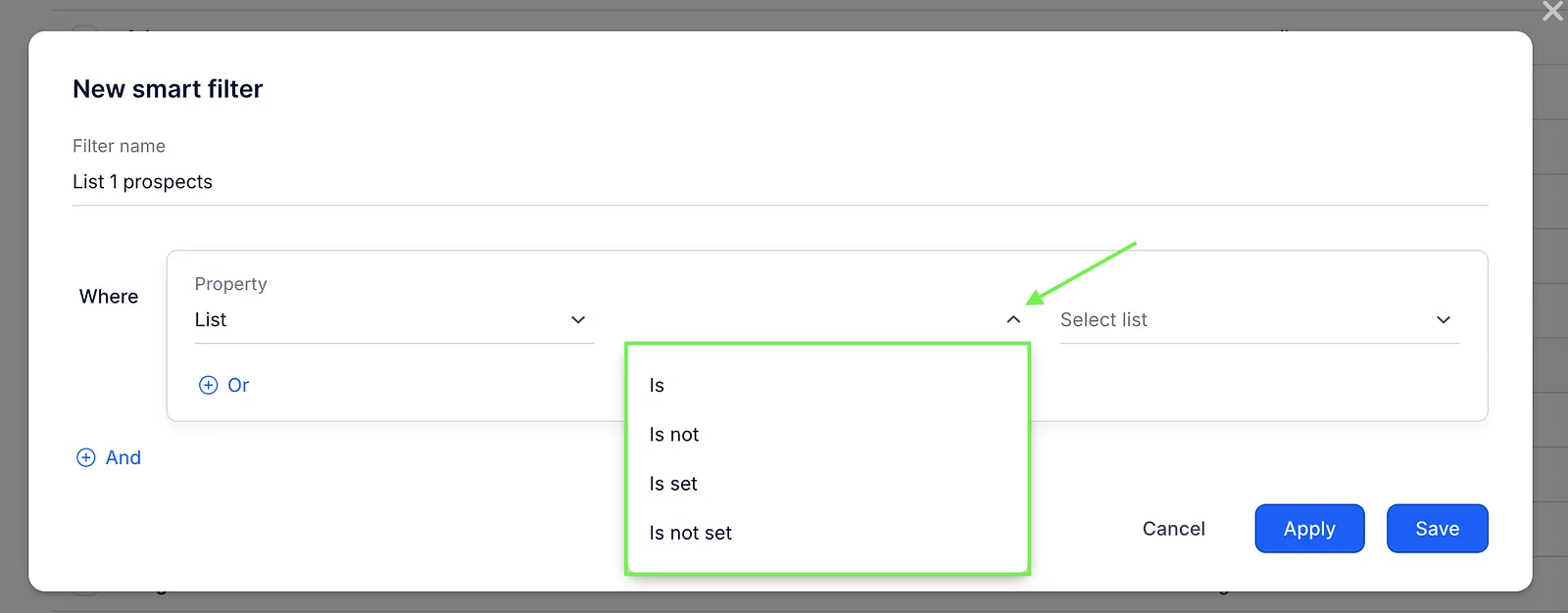
- Select the Is/Is not value.
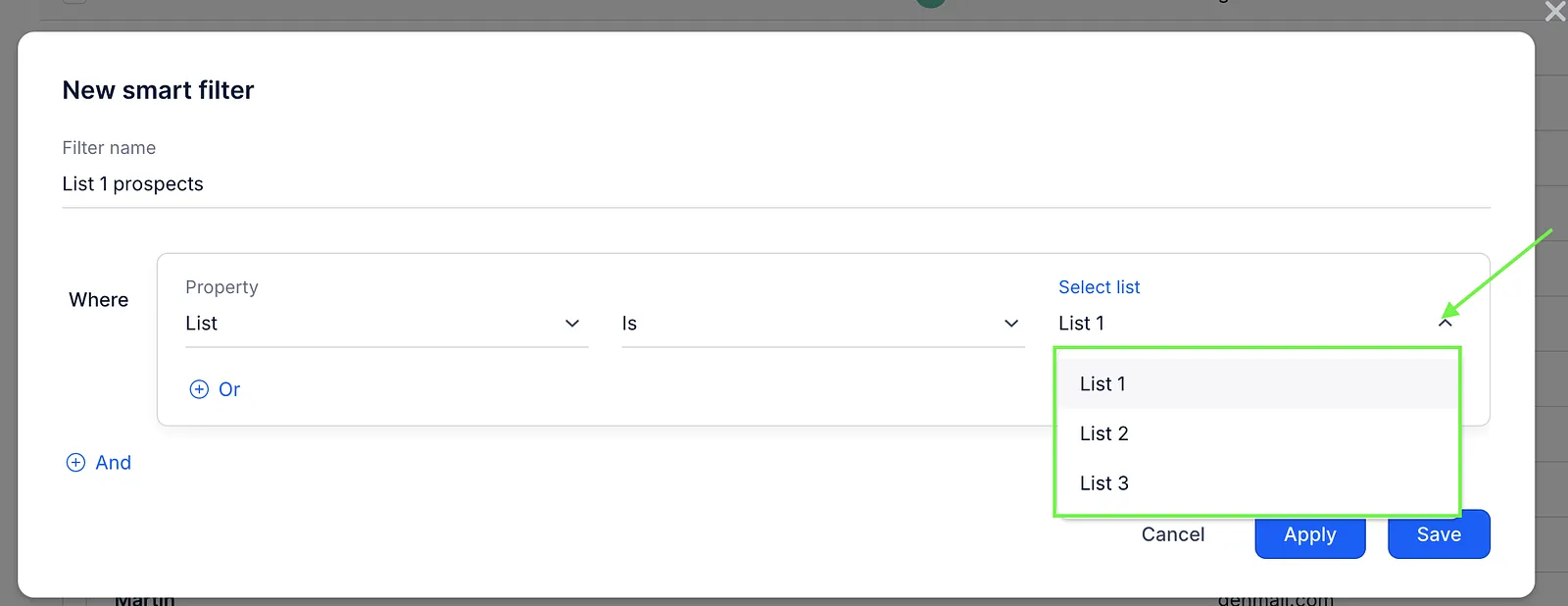
- In the Select list field, select the desired list from the drop-down, or start typing the name of your list or a shared one.
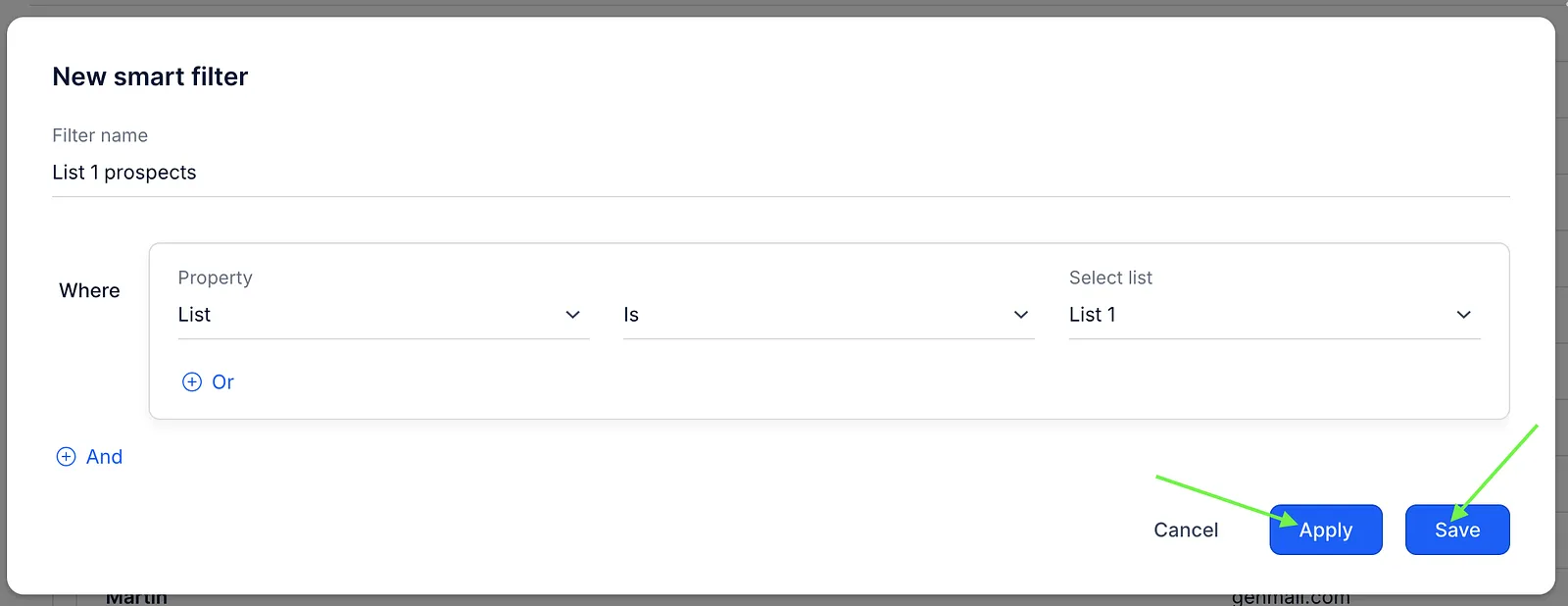
- Click on the Apply button to view instant results. Alternatively, you can click Save to both see the results and save this filter for future use.
💡Note that if you select Is set or Is not set, the system will return all people who are or are not in any list.