If you want to see how your email looks for your contacts, you can send a test email to your mailbox. This article will help you with the needed steps.
Here is what you can do:
- Open the Steps tab of your sequence:

- Click on the sequence step to open the editor;
- In the Template window, expand the drop-down list next to the Save button:

- Choose Send Test email:

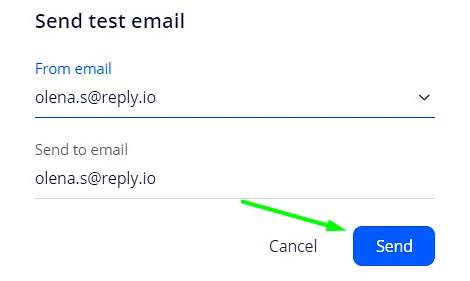
- Pick the email to send To and From and done!
💡 Important: The opt-out link does not work in test emails as they do not have sequence and contact-related details.