Generally, we recommend this connection type for your EWS on private servers' email accounts. Otherwise, you can try the default single-click option and add your mailbox in a few seconds.
If you want to go with this option, follow these steps:
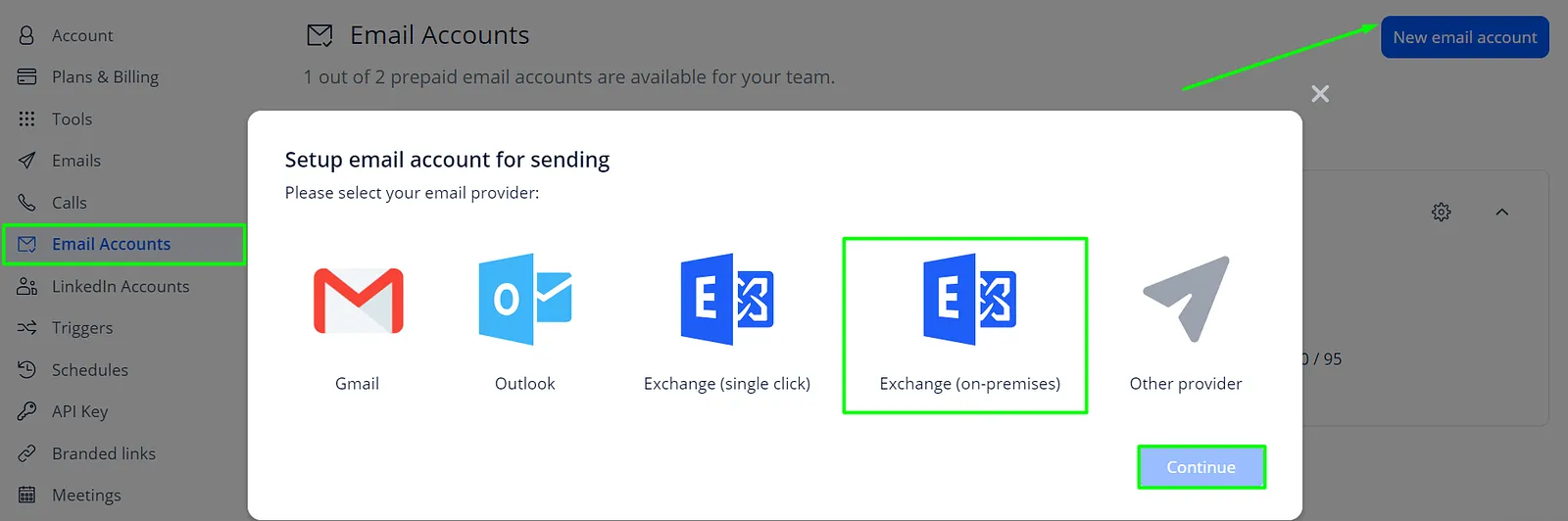
- Go to the Email Accounts tab of your Settings.
- Click the New email account button.
- Choose the Exchange (on-premises) option and click Continue.
- Paste your email address into the Email field.
- Use your mailbox password in the Password field.
- Next to the EWS Endpoint field, click on the Autodiscover button.
- Test the connection and save the changes.
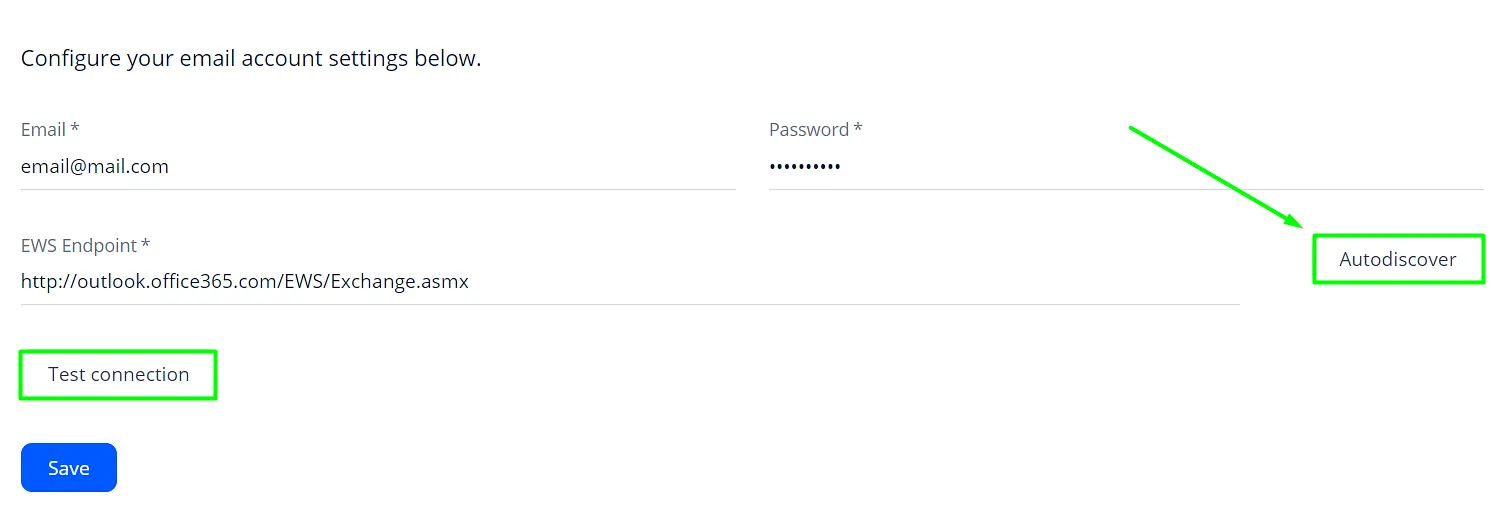
You can use the URL you see when logging in through a browser if the EWS endpoint is not discovered. Here is a Microsoft guide on how to get the link.
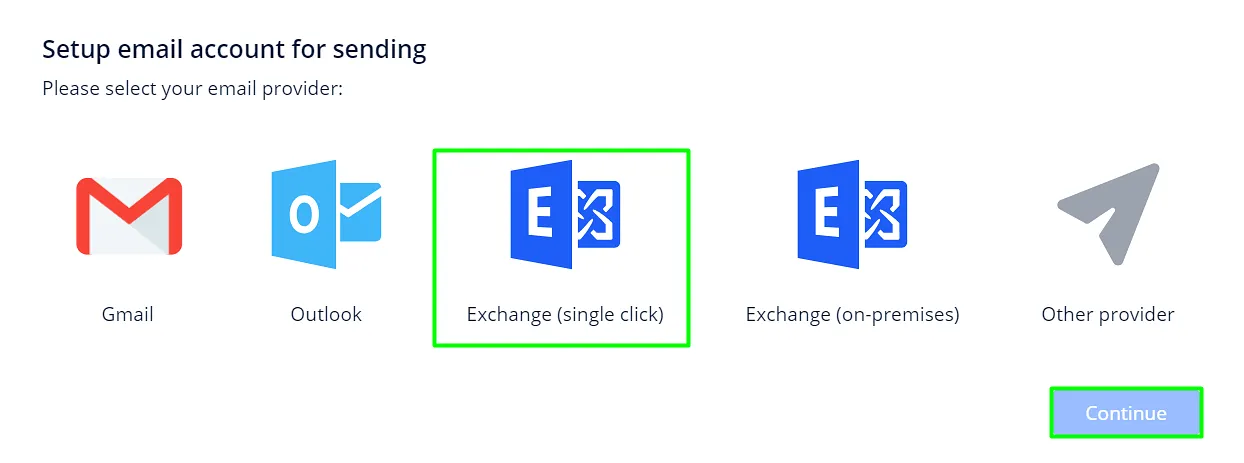
💡 If you use Office 365 but still want to connect your account via EWS, use the Single-click option:
Should you have any questions or concerns, our support team is available in chats.