Yes! A prospect can be part of several sequences for the same user at the same time. In this article, we’ll show you three ways to do it - during a CSV import, by selecting from your existing contacts, or by moving contacts from one sequence to another.
CSV Import
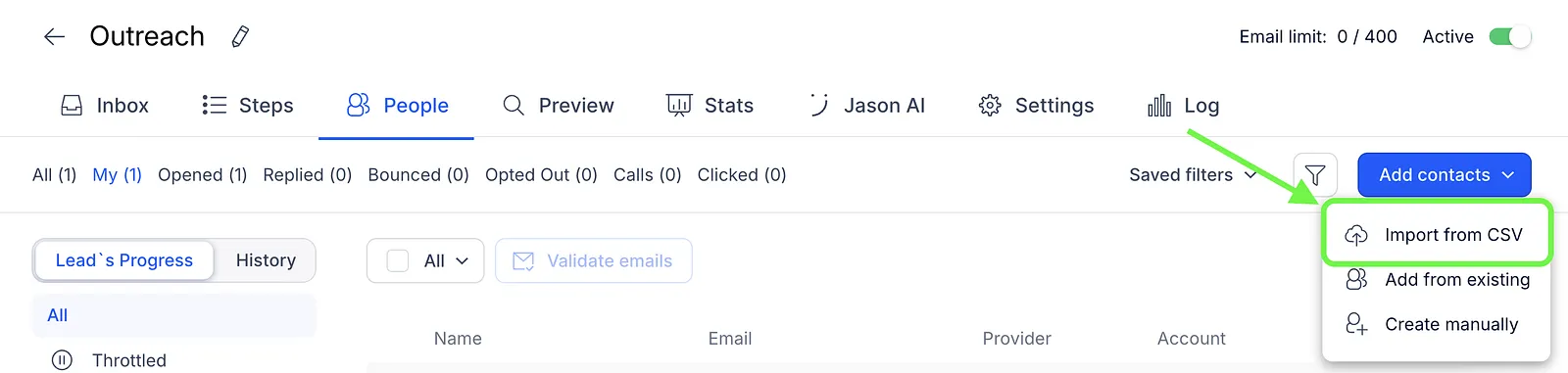
- Select Import from CSV in the People tab.
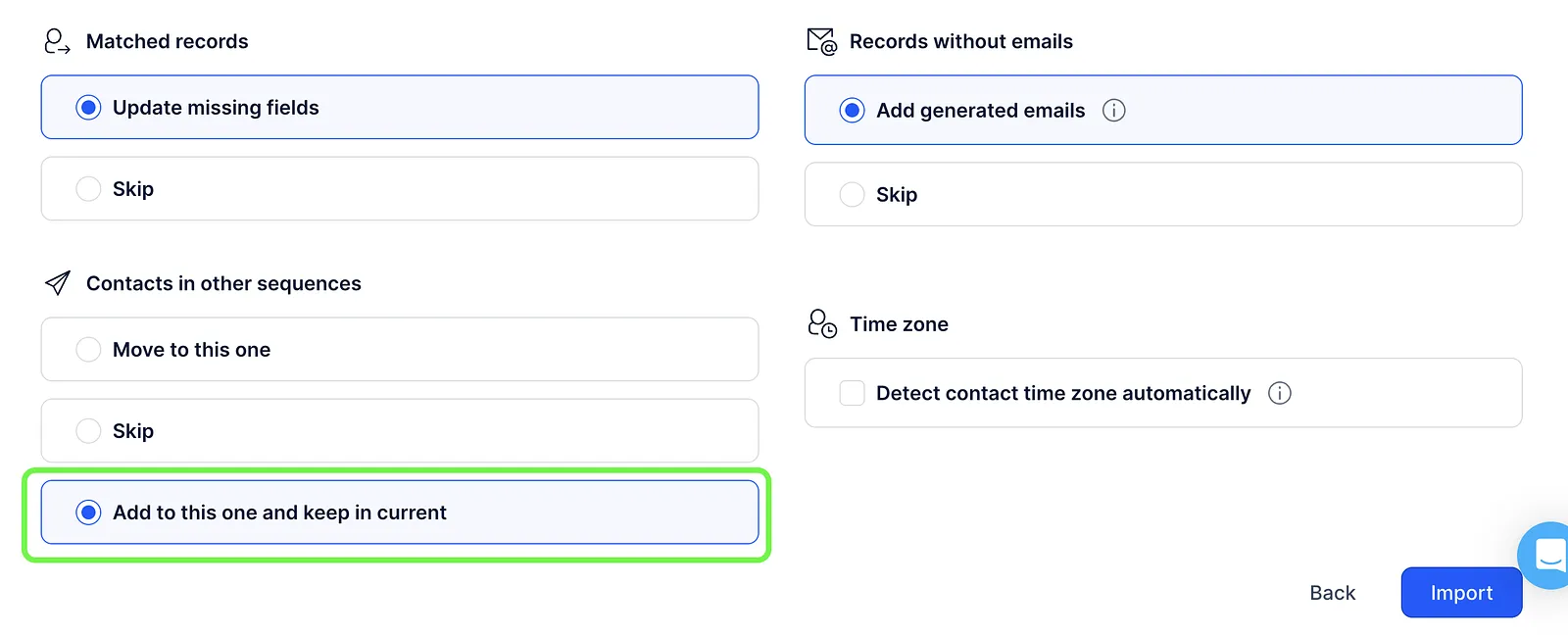
- Choose the Add to this one and keep in current option for contacts in other sequences.
Add from Existing
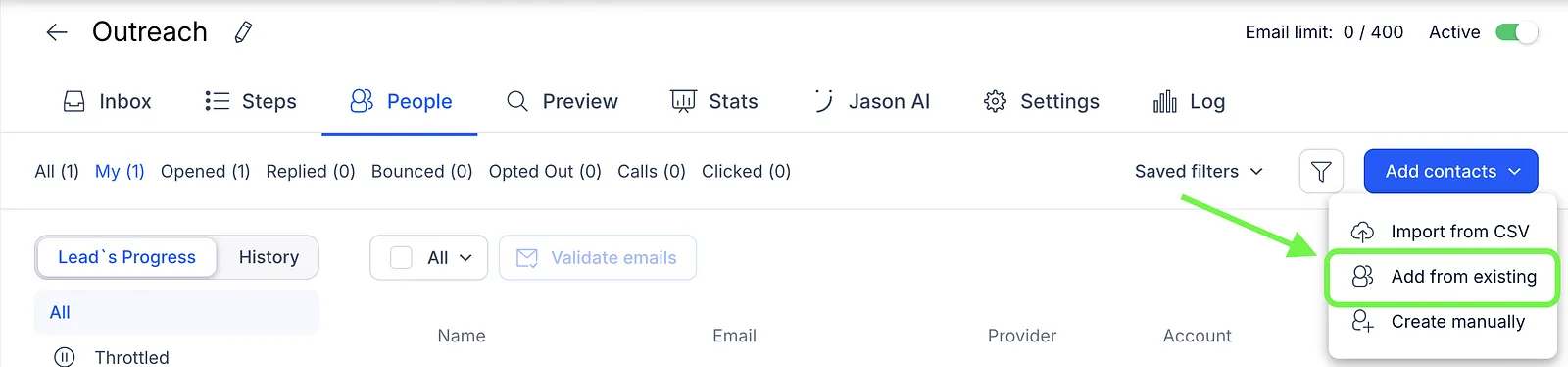
- Select Add from existing in the People tab.
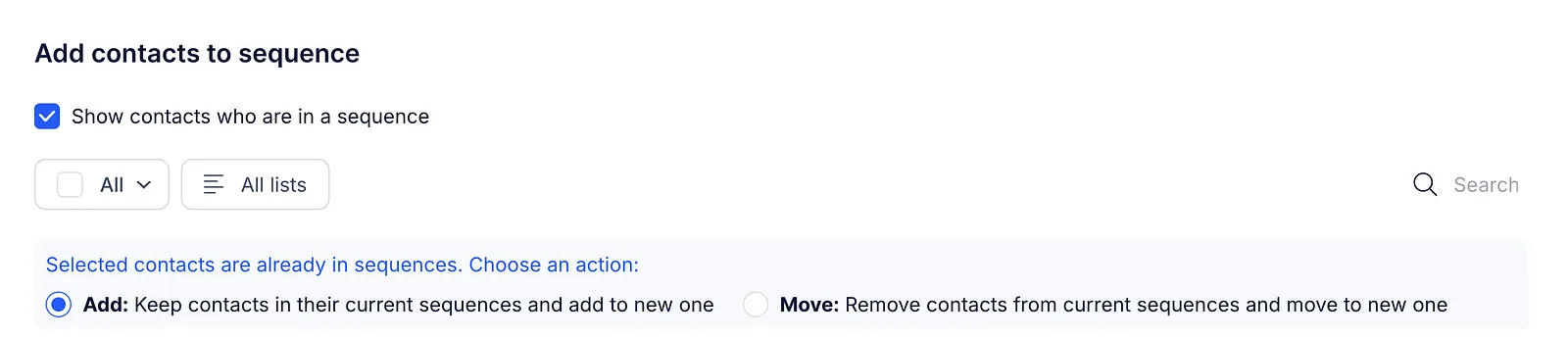
- Enable Show contacts who are in a sequence.
- Choose Keep contacts in their current sequences and add to new one.
Move to Sequence
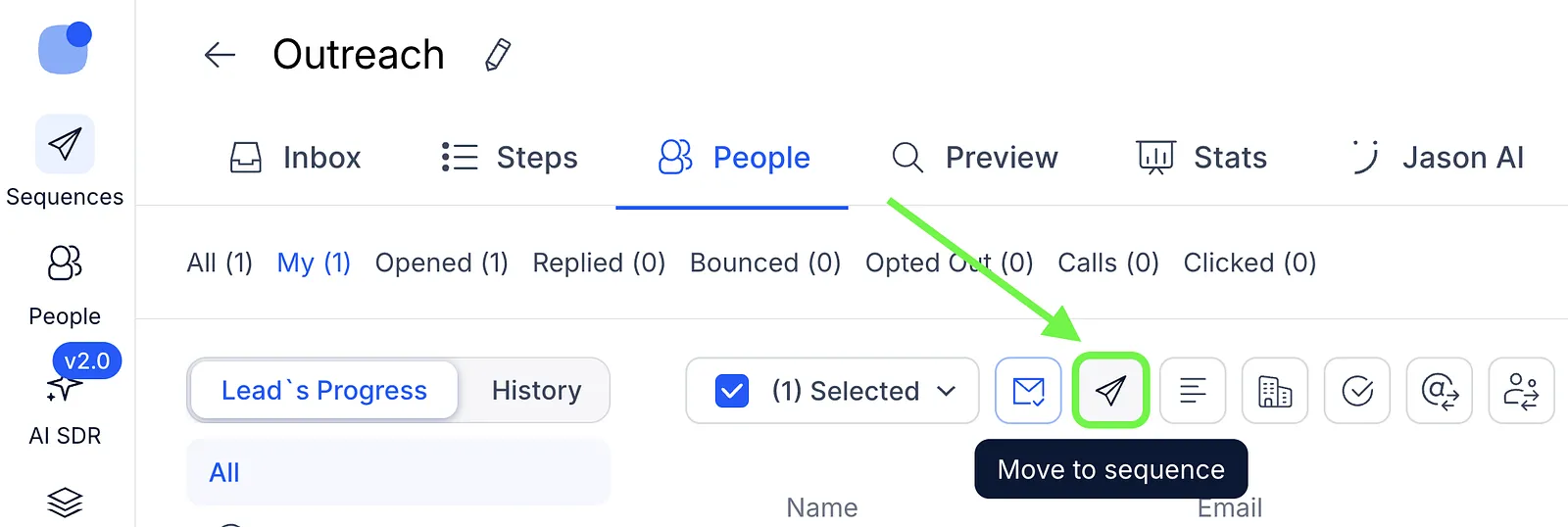
- Go to the People tab and select contacts.
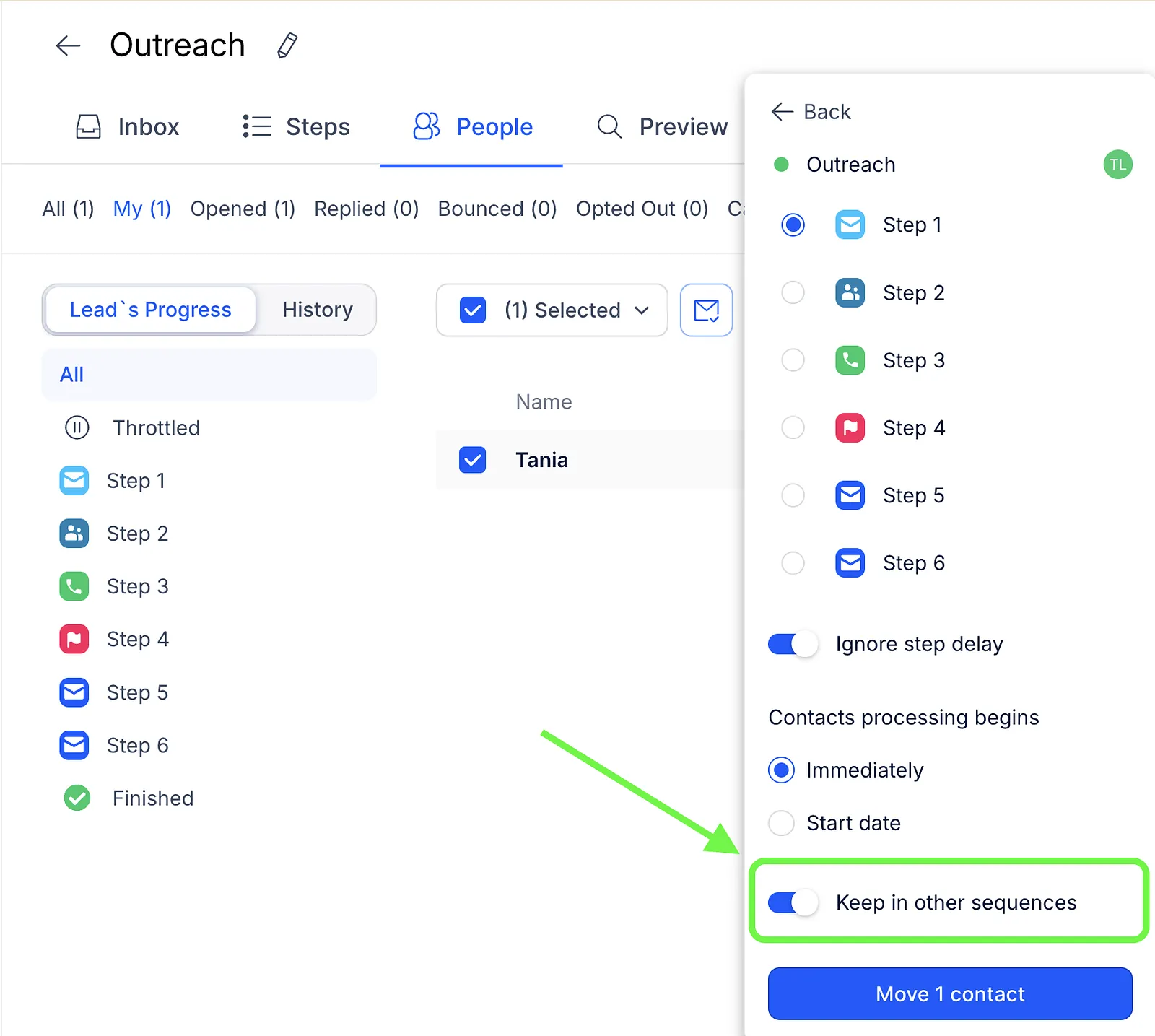
- Click Move to sequence, pick the sequence and step.
- Enable the Keep in other sequences toggle.
💡 Important notes:
- You cannot add a prospect to multiple sequences at the same time using the Chrome extension, integrations, or API.
- Autopilot mode in AI SDR only adds contacts to one sequence at a time.