In Reply, you can blacklist domains to avoid contacting them in your sequences. This article will show you how to manage your domains and what options you have:
- Add domains from CSV or manually.
- Search for domains.
- Export domains.
- Delete domains.
Add domains
If you have some domains to blacklist, follow these steps👇
- Go to the Settings;
- Move to the Blacklist page;
- Click Add Domains;
- Pick the option:
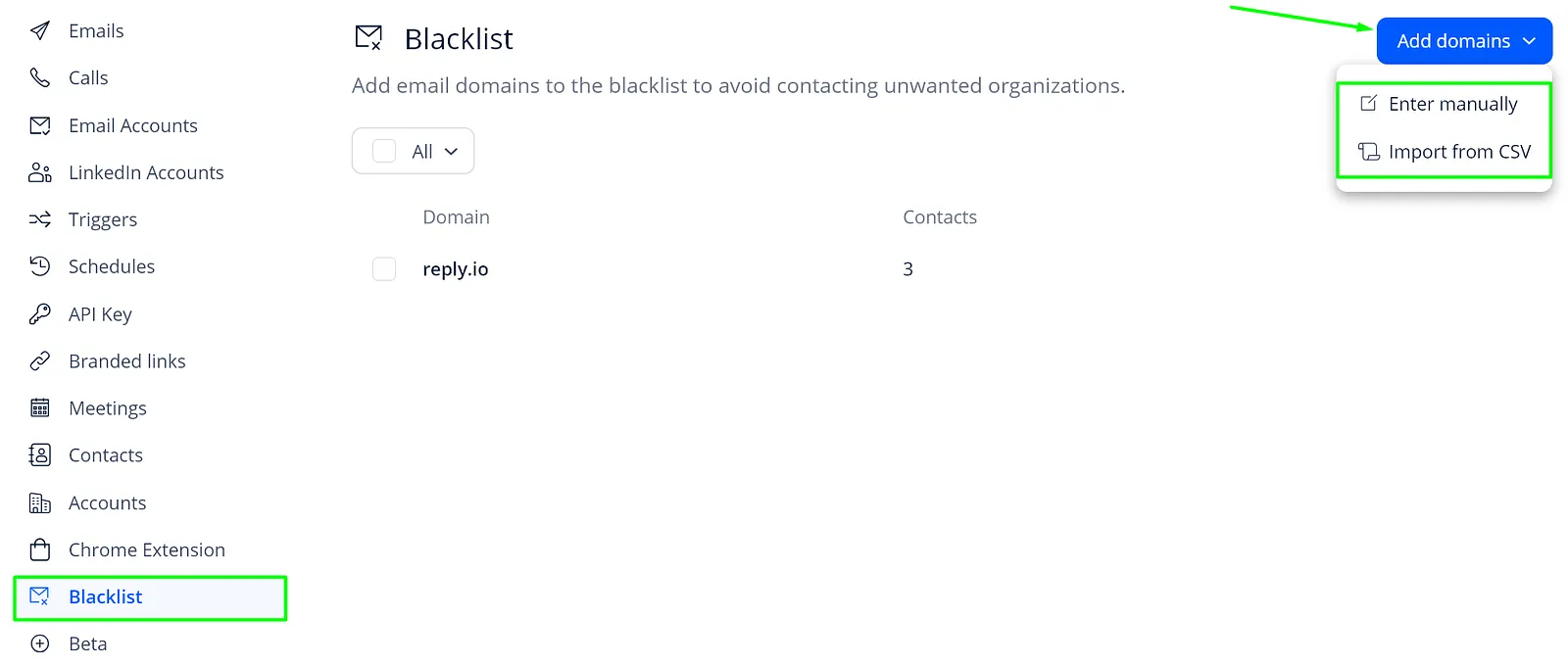
- Either enter the data or upload the file and it's done!
💡 Important: there are a few rules for CSV blacklisting. Make sure your file contains the following:
- One column without a header.
- Domains list (e.g. *domain.com (*without http://, or www.), and not an email address).
- No more than 10k rows.
Search for domains
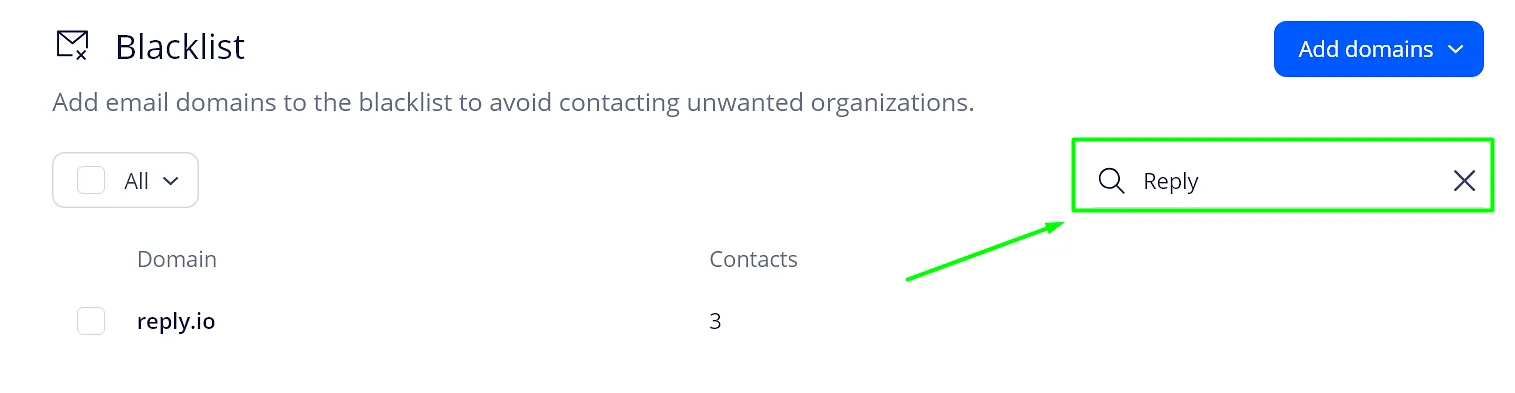
On the Blacklist tab, you can quickly find a domain using the search field. All you need to do is enter the domain name and the system will show the matches:
Export domains
Click Export to download your list of blacklisted domains as a CSV file.

Delete domains
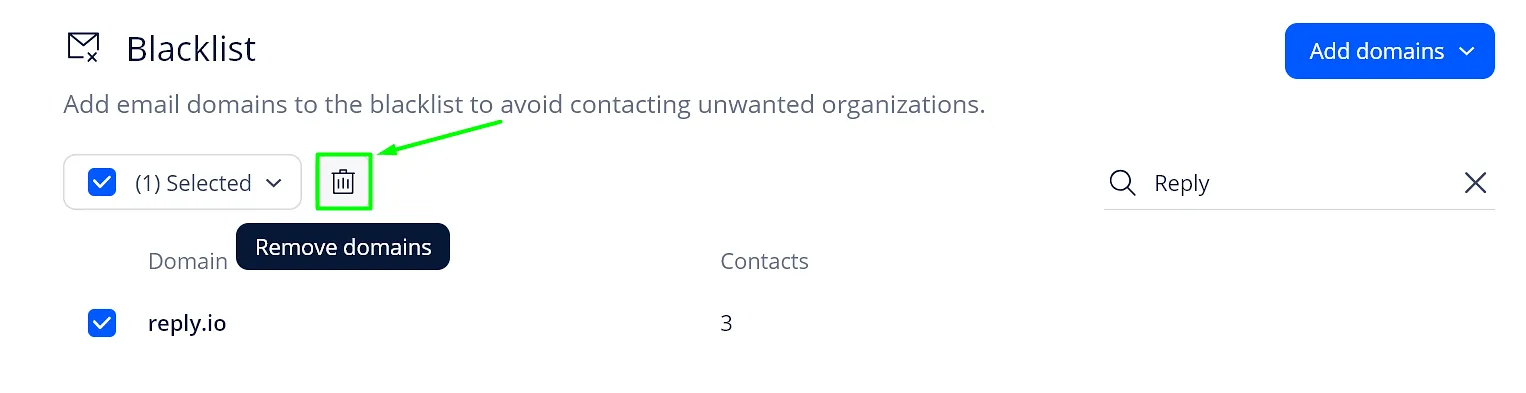
To remove domains, checkmark the domains and click the trash icon:
That is it! If you have any questions left, feel free to message our Support team in chats or email them at [email protected].